Wombat Narrates
Widely Optimised Machine Brain Assistive Technologies
Turn an epub or .txt book into a chaptered M4B audiobook.
Widely Optimised Machine Brain Assistive Technologies
Turn an epub or .txt book into a chaptered M4B audiobook.
Widely Optimised Machine Brain Assistive Technologies
Use Preview to choose the voice you want the book to be narrated in.
EPUBs can include title and copyright pages, tables of contents, page headers, footnotes, publisher notices, references, and appendices that do not sound good when read aloud.
TXT files are often long, unbroken masses of text without chapters or proper headings, which makes an audiobook harder to navigate. For best results, turn your TXT file into an EPUB and edit it in Wombat Converts first.
PDF files are not suitable for narration. They need to be turned into an EPUB first.
📖 Happy with your ebook?
A conversion is already running - Stop it or wait for it to finish before starting another.
Chapters play here as soon as each one finishes - no need to wait for the whole book.
Your completed audiobooks and original book files are kept for seven days.
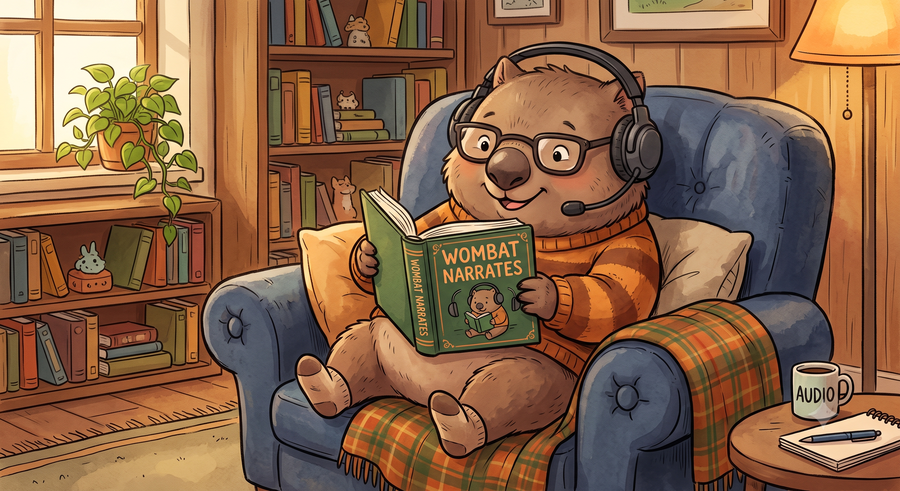
The Wombat can help you turn any text or ePub books into audiobooks.
You can paste any text you like here to test the current voice and speed.
Paste text here and select a voice to hear how your ebook will sound.
Administrator access is verified by the server.
Pick either an .epub ebook or a plain .txt file to convert. An epub's title, author, and cover come from the book itself automatically; a .txt file has none of that built in, so fill in Title/Author yourself in Convert Book if you want the audiobook properly tagged.
Type any snippet of text and hear it instantly in your current voice, speed, and pacing - a quick way to check a voice sounds right before committing to a full book conversion, which can take a while.
Pick a book and hit Convert. Progress updates live through synthesis, muxing, and muxing. The finished audiobook downloads once it's done - a single .m4b with real chapter markers, cover art, and title/author tags, ready for any real audiobook app.
Preview lists every voice grouped by accent and gender, graded A (best) to F (worst) using Kokoro's own published quality ratings - green badges are great, red ones are not as polished.
Preview also controls how long the pause is after each sentence, each paragraph, and between chapters - worth tuning if the narration feels too rushed or too slow.
All the work of turning the text into natural speech happens on our server, not your browser, but a full novel can still take hours of real synthesis time. Progress is saved chapter by chapter, so there's no need to babysit it.
Built by TechWombat · Rochman Reese
Apps to make life easier
✉️ bosswombat@wombatex.com 🌐 www.wombatex.com